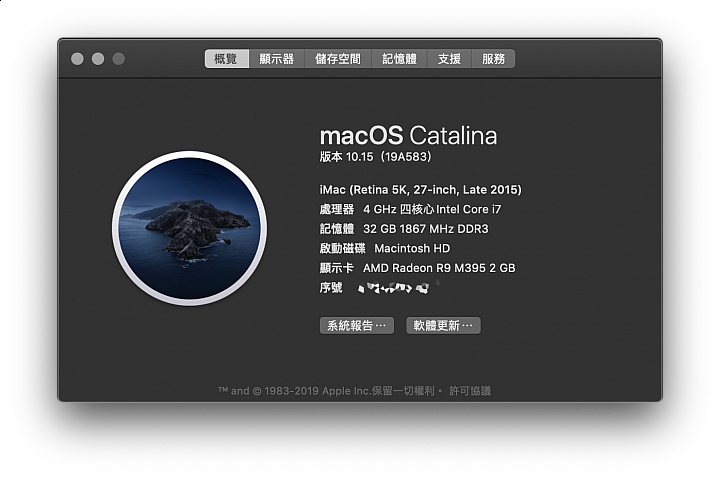
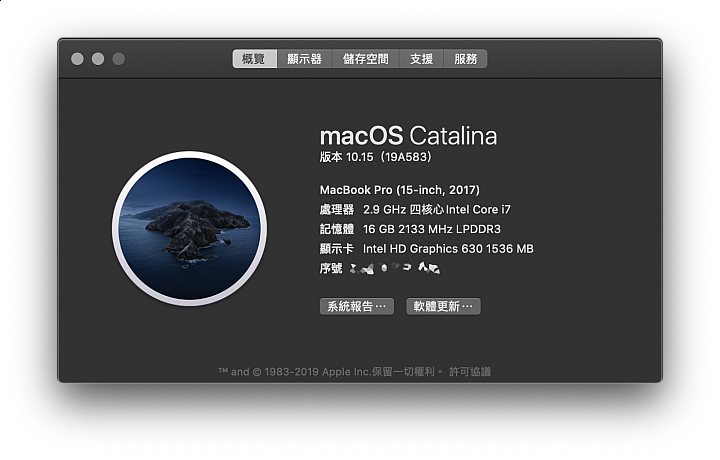
目前使用上有幾個問題,不知大家如何看待及處理:1,找不到將iPhone 鈴聲傳入iPhone的方法。2,不定時會將所有AP閃退,秒退耶~會將所有打開的AP關掉還原回桌面,就剩下Finder這個AP打開而己,秒退耶~比任何關掉AP的速度還快,不到一秒就全關掉。
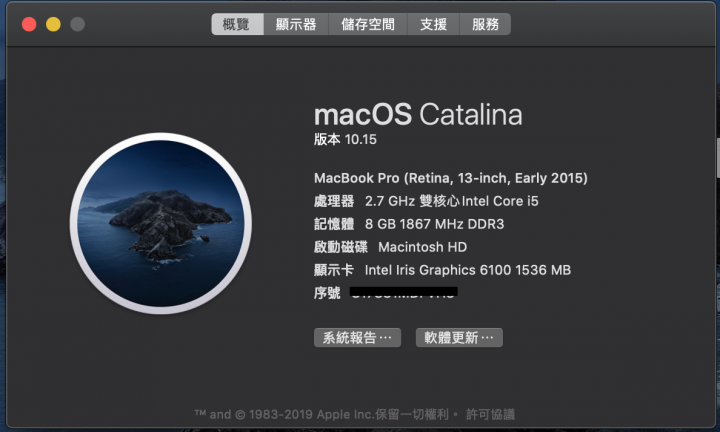
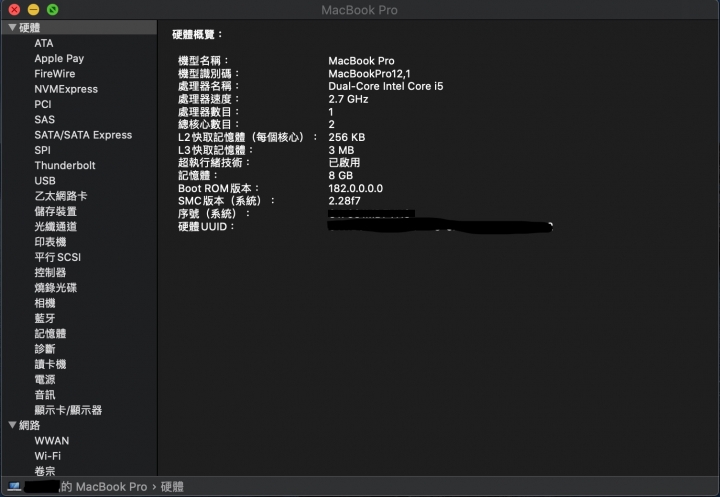
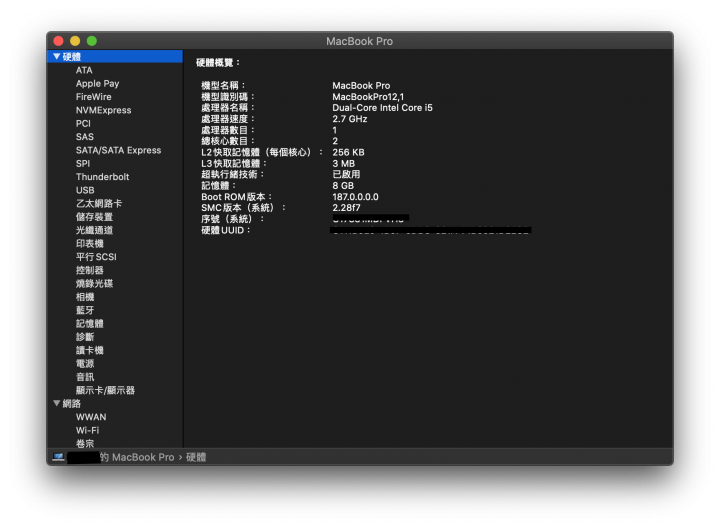
MacBook Pro (Retina, 13-inch, Early 2015)有自行更換SSD (Samsung 970 Pro 512G)更新Catalina成功過程順利完全沒有卡不過有沒有人機種跟我一樣、更新完Catalina但沒有自行更換SSD的大大們可以跟我比對一下Boot Rom版本號嗎?曾經有篇文說Boot Rom必須安裝原廠SSD才能更新想確定這次Catalina有沒有更新Boot Rom2019/10/11 自行解答如果有自己更換SSD的系統更新不會更新到Boot Rom必須要用原廠SSD做系統更新Boot Rom才會跟著更新
CANO_YEH wrote:重新更新完之後桌面跑...(恕刪) 資料夾中有一個"What Are Relocated Items?的PDF檔案),內容說明如下 :During the last macOS upgrade or file migration, some of your files couldn’t be moved to their new locations. This folder contains these files.Files needing new locationsSome of your files had been in a location that is now incompatible with macOS security settings. These files were moved to the Security folder for your review.If there are any files you want to keep, you can move them to a new location, as long as it is different from their location before the upgrade or migration.Copyright © 2019 Apple Inc. All rights reserved.
fctsai wrote:原本已經安裝好的32Bits的軟體還可以用嗎?網路上的訊息是說,Catalina 無法安裝32Bits的軟體,但是已經安裝後升級Catalina 的一樣可以使用 是真的嗎? 現在我還不敢安裝Catalina ,因為Mac裡有許多舊軟體還是32Bit的。
有些小問題1)輸入法多了個繁體手寫,切換不太方便2)更改語系後,再次修改出現錯誤 (在測多國語言切來切去發生)3)軟體會啟動MetalKit ,很容易啟動風扇要注意的事更新後不要關機,要重開機 因為再次開機後更新就卡住了,開機過程提示需要重大更新需且使用網路如果沒WIFI的人可能會吐血 @@因為只有關機跟連線二種選項
1. ipad Pro 連結是黑的,不管有線或者無線。(雙螢幕功能)2. Touch Bar 不見了,雖然不喜歡,但是我需要功能鍵啊^^" F1~F15----------------------------重開機後又出來了,變成不定時炸彈~Widget 徹底消失SW權限的要求,很多很慢。我的line 截圖,過了一個多小時才跑出來跟我要權限。第二點真的GG了~真不敢相信Apple 變成這樣~~~