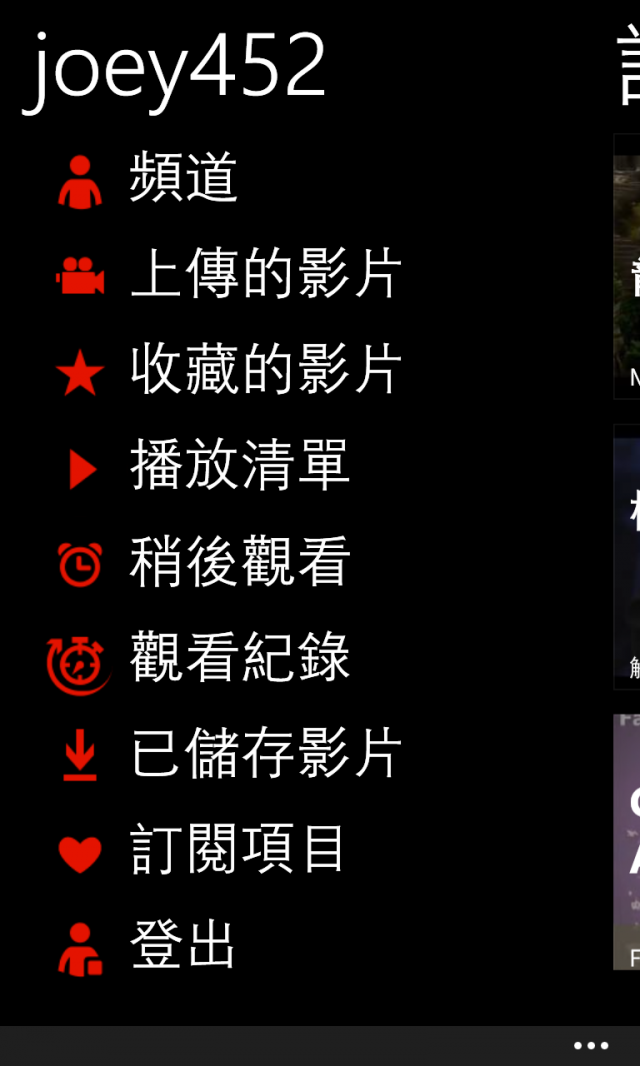
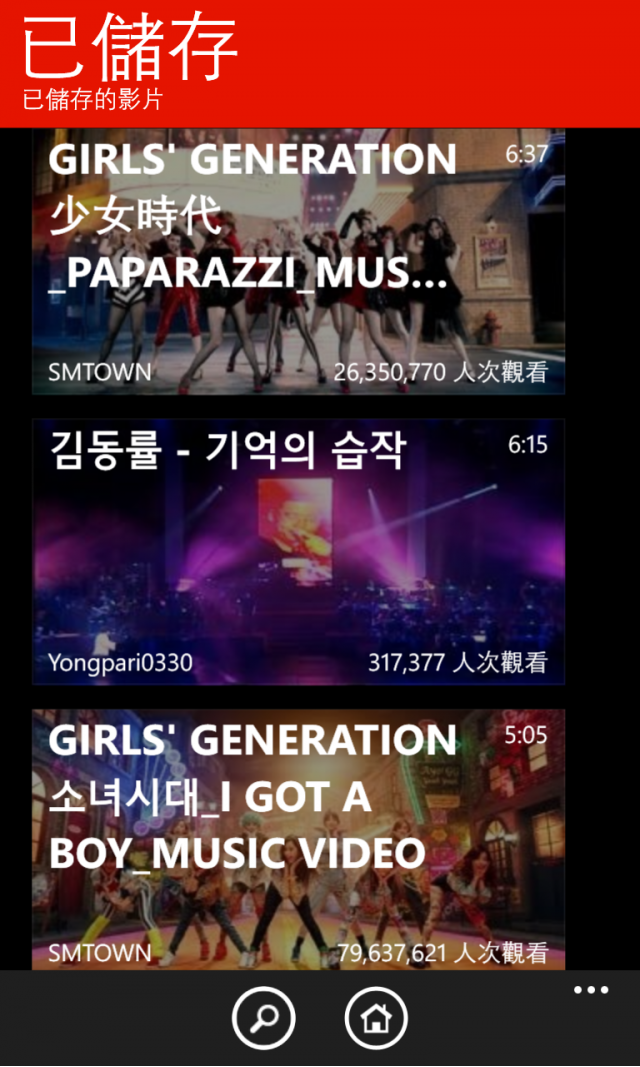
myTube updated to open YouTube videos
directly from the browser and more
因為昨天有在批踢踢看到,想說怎麼可能!!!!
沒想到今天上午收到myTube的推送更新,發現APP裡面有內置教學
跟著教學設定一下之後~
真的可以順利從IE裡面的Youtube呼叫專屬APP觀看720P影片了!!!
以下為設定步驟
1.安裝myTube APP
2.進入APP後,點擊右下方三個小白點,並點擊 關係+額外資訊
![[App] myTube支援將Youtube影片直接從IE呼叫APP打開](http://attach.mobile01.com/attach/201312/mobile01-b8b97d62a78394b2b9d7f4628ae9f931.png)
3.點擊"tap here to find out how to open videos from the browser in myTube"
![[App] myTube支援將Youtube影片直接從IE呼叫APP打開](http://attach.mobile01.com/attach/201312/mobile01-fab07fd0889740382d76280f3b7b3051.png)
3.複製中間那段程式碼
![[App] myTube支援將Youtube影片直接從IE呼叫APP打開](http://attach.mobile01.com/attach/201312/mobile01-f75277ed4956bea211b505a974a5f907.png)
4.點擊右下方三個小白點,加到我的最愛
![[App] myTube支援將Youtube影片直接從IE呼叫APP打開](http://attach.mobile01.com/attach/201312/mobile01-a6cb87b99803f018a8e329c80068310a.png)
5.將網址全選反白後,覆蓋貼上之前那段程式碼
![[App] myTube支援將Youtube影片直接從IE呼叫APP打開](http://attach.mobile01.com/attach/201312/mobile01-3024e3e0d2fae8bbf0d7378dc957da54.png)
6.隨意用IE開啟一部youtube影片
![[App] myTube支援將Youtube影片直接從IE呼叫APP打開](http://attach.mobile01.com/attach/201312/mobile01-a38b76282e32e272d773831b67ce4ce6.png)
7.在此頁面下,點擊右下方三個小白點,再點擊我的最愛
![[App] myTube支援將Youtube影片直接從IE呼叫APP打開](http://attach.mobile01.com/attach/201312/mobile01-59aca203f184ece77702b927adbde593.png)
8.點擊 ->Open in myTube
![[App] myTube支援將Youtube影片直接從IE呼叫APP打開](http://attach.mobile01.com/attach/201312/mobile01-556ed2792b276efc9a314408575c9dbc.png)
9.大功告成!!!
![[App] myTube支援將Youtube影片直接從IE呼叫APP打開](http://attach.mobile01.com/attach/201312/mobile01-d8060cf57d710cf3e91643c5e6875253.png)
另外再分享一個使用技巧
1.影片播放後,點擊影片會出現 HD設定
2.如果畫面上下有黑邊,可以用兩指捏合,縮放影片
3.此款APP也支援背景撥放音樂
4.也能夠背景離線下載影片
5.我有點後悔購買MetroTube了Orz
![[App] myTube支援將Youtube影片直接從IE呼叫APP打開](http://attach.mobile01.com/attach/201312/mobile01-10fe8cd7a74307708210e9df2936077b.png)